What Claude Enterprise Smart Reports Reveal About the “Manage” Gap in Most AI Deployments




Most companies that roll out Claude, ChatGPT, or any enterprise AI tool can tell you two numbers: how many people are using it, and how much it costs. Almost none of them can tell you what it’s actually being used for, whether that work is any good, or where it’s quietly breaking down. That gap, between “it’s adopted” and “it’s working,” is the Manage gap, and it’s where most AI initiatives lose their ROI without anyone noticing. Closing it is the job of ai agent lifecycle management, the discipline agenTriniti℠ Package is built around.
Anthropic’s new Smart Reports feature, now in beta for Claude Enterprise, is worth paying attention to precisely because it exposes this gap rather than papering over it.
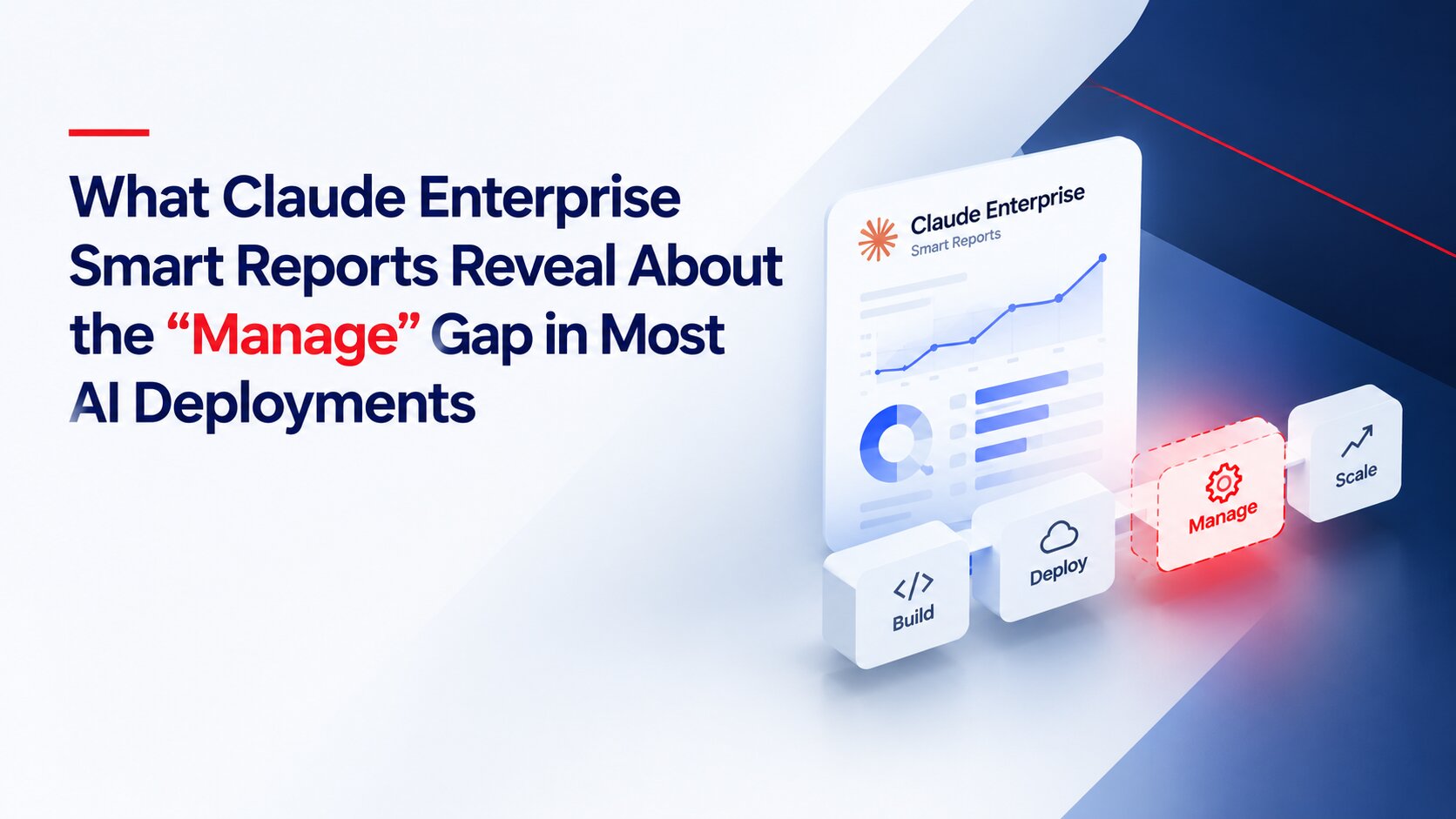
Smart Reports is off by default and has to be turned on by an Enterprise Owner. Once enabled, it reads a sample of an organization’s Claude transcripts, across chat, Claude Code, and Claude Cowork, and produces a written report, not just a dashboard. Organizations get up to 10 reports a month for free during the beta, scoped to a team, a department, or a custom time window of up to 28 days.
What it surfaces is the part most companies have never had visibility into:
This is a genuinely different object than the usage-and-spend analytics Anthropic added to the admin console back in July, part of the same shift Anthropic’s own enterprise roadmap has been validating all year. That earlier release counted how often Claude got used and what it cost. Smart Reports asks what happened inside those sessions, which is the question that actually determines whether an AI deployment is producing value or just producing activity.
Here’s the uncomfortable part: the fact that this had to be built as a separate feature says something about the default state of enterprise AI adoption. Nobody was tracking friction. Nobody had a structured way to see that three different teams were manually reinventing the same workflow every week. Cost was visible at the aggregate level, but not tied to whether the work being done was worth the spend.
That’s not a Claude-specific problem. It’s the default condition of almost every AI rollout, and it’s exactly the piece most companies are missing from their AI agent lifecycle management: tool adopted, usage climbing, and no one closing the loop on whether any of it is working as intended. A tool can now tell you where the friction is. It still can’t decide what to do about it, prioritize the fix against everything else competing for the team’s time, or make sure the fix actually gets built and shipped.
This is exactly the distinction agenTriniti Package is built around, and the same one explored in how AI agents have a lifecycle, just like people and products:
Build gets an agent into production. Manage is the ongoing discipline of watching what it’s doing, what it costs by workstream, and where it’s failing, which is now easier to see thanks to tools like Smart Reports. But seeing the gap and closing it are two different jobs. Someone still has to take “this workstream has repeated connector failures” and turn it into a fix that ships, on a cadence, without waiting for the next planning cycle to notice the problem again.
Smart Reports is a good diagnostic. It’s not an operating model. For most enterprises, the real Manage gap isn’t a lack of data anymore. It’s a lack of a standing process and team to act on what the data says every month, not just once at launch, that is the gap Airo Digital Labs built agenTriniti Package to close.
What is AI agent lifecycle management?
AI agent lifecycle management is the ongoing practice of overseeing an AI agent after it’s deployed, tracking what it costs by workstream, where it’s generating friction, and which manual patterns are worth turning into reusable skills, rather than treating deployment as the end of the job.
What is the “Manage gap” in enterprise AI?
The Manage gap is the disconnect between deploying an AI tool and actually knowing whether it’s producing value. Most organizations can report on adoption (users, sessions, spend) but not on outcomes (what got done, what it cost by workstream, and where it broke down).
What is Claude Enterprise Smart Reports?
Smart Reports is a beta feature for Claude Enterprise that reads a sample of an organization’s Claude transcripts, across chat, Claude Code, and Claude Cowork, and generates a written report on cost by workstream, recurring friction points, and patterns worth turning into shared, reusable skills.
How is Smart Reports different from the usage and cost analytics Anthropic already offers?
The admin console analytics Anthropic added in July 2026 show usage and spend totals by group and user. Smart Reports goes further by explaining what that usage actually consisted of: grouping sessions into workstreams, attaching cost to each, and naming specific friction rather than just reporting aggregate numbers.
Does Smart Reports fix the problems it identifies?
No. Smart Reports is a diagnostic layer. It surfaces cost, friction, and reuse candidates, but an organization still needs a standing process and team to prioritize and act on those findings on an ongoing basis.
How does this relate to the agenTriniti℠ Package?
Airo’s agenTriniti Package structures enterprise AI delivery into three phases: Build, Manage, and Continuously Upgrade. Tools like Smart Reports support the Manage phase by improving visibility but Manage and Continuously Upgrade still require a dedicated operating process to turn that visibility into shipped fixes.
Is Smart Reports available to all Claude users?
No. It’s currently in beta and limited to Claude Enterprise plans. It isn’t available for Claude Teams, and it excludes organizations using customer-managed encryption keys (CMEK), HIPAA configurations, or Access Transparency.
